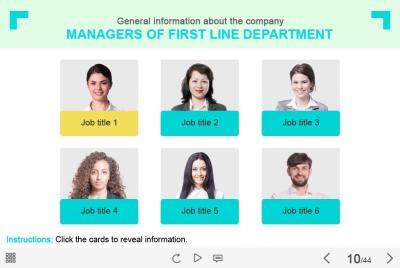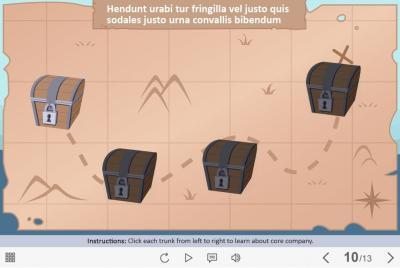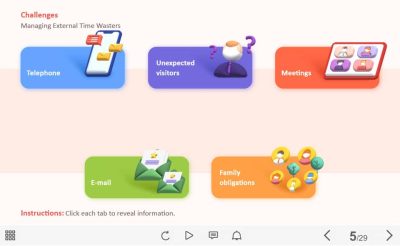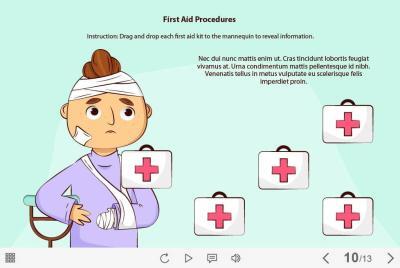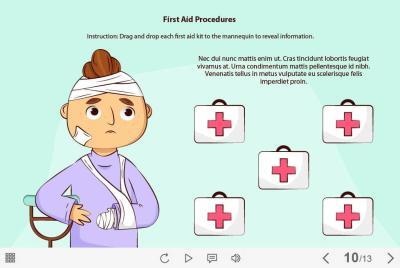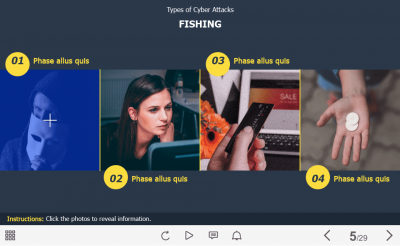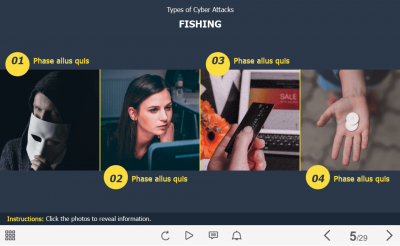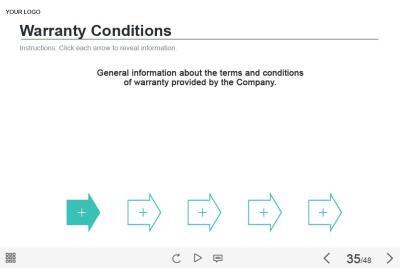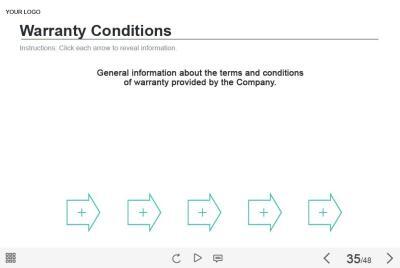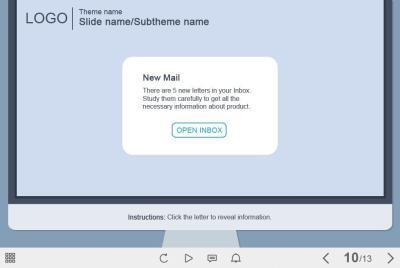
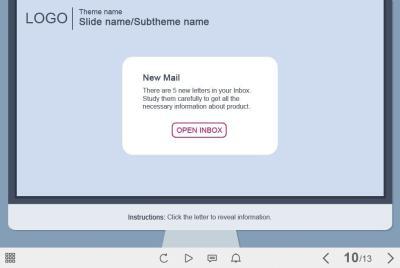
- Category: elearning templates
- Type: captivate template / interaction
- Software: Adobe Captivate 9 / 2017 / 2019
- Group: tabs and buttons
- Total number of tabs: 5
- Basic color: variegated
- Features: clickable visual objects designed for prudent use of slide space
-

-
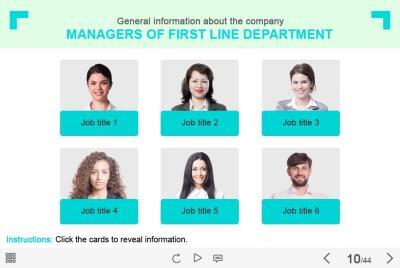
- Category: elearning templates
- Type: captivate template / interaction
- Software: Adobe Captivate 9 / 2017 / 2019
- Group: tabs and buttons
- Total number of buttons: 14
- Basic color: white
- Features: clickable visual objects for showing any type of additional information
Demo:
-

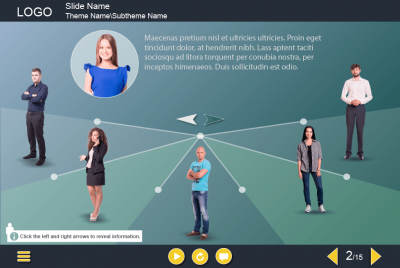
- Category: elearning templates
- Type: captivate template / interaction
- Software: Adobe Captivate 2019
- Group: tabs and buttons / pop-ups
- Total number of clickable objects: 7
- Basic color: dark grey
- Features: clickable visual objects designed for prudent use of slide space
Demo:
-
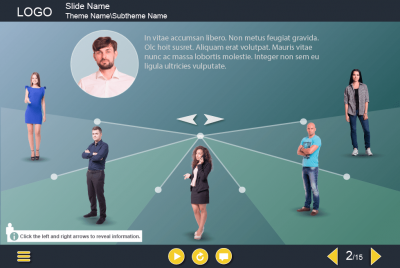
- Category: elearning templates
- Type: captivate template / interaction
- Software: Adobe Captivate 9 / 2017 / 2019
- Group: tabs and buttons / grids / pop-ups
- Total number of clickable objects: 6
- Basic color: white / blue
- Features: clickable visual objects for showing any type of additional information
Demo:
-
- Category: elearning templates
- Type: captivate template / interaction
- Software: Adobe Captivate 9 / 2017 / 2019
- Group: tabs and buttons / slideshow
- Basic color: variegated
- Total number of slides: 6
- Features: clickable visual objects for showing any type of additional information
Demo:
-
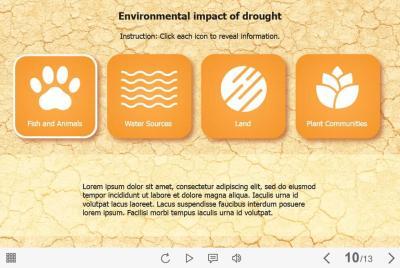
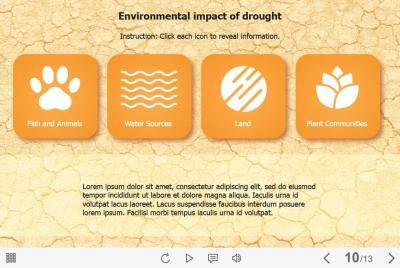
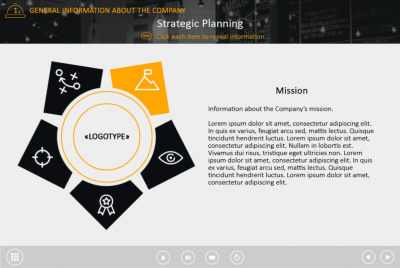
- Category: elearning templates
- Type: captivate template / interaction
- Software: Adobe Captivate 2019
- Group: tabs and buttons
- Total number of clickable objects: 4
- Basic color: yellow / orange
- Features: clickable visual objects designed for prudent use of slide space
Demo:
-
- Category: elearning templates
- Type: captivate template / interaction
- Software: Adobe Captivate 9 / 2017 / 2019
- Group: slideshow
- Total number of slides: 4
- Basic color: light-blue
- Features: interactive form of presenting information
Demo:
-
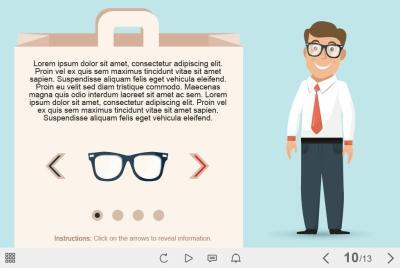
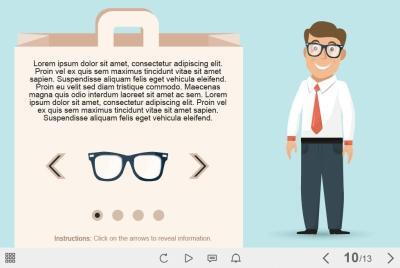
- Category: elearning templates
- Type: captivate template / interaction
- Software: Adobe Captivate 9 / 2017 / 2019
- Group: tabs and buttons / pop-ups
- Total number of clickable objects: 4
- Basic color: beige
- Features: clickable visual objects designed for prudent use of slide space
Demo:
-
SALE
- Category: elearning templates
- Type: captivate template / interaction
- Software: Adobe Captivate 2019
- Group: tabs and buttons
- Total number of clickable objects: 5
- Basic color: variegated
- Features: clickable visual objects designed for prudent use of slide space
Demo:
-
- Category: elearning templates
- Type: captivate template / interaction
- Software: Adobe Captivate 9 / 2017 / 2019
- Group: drag and drop
- Total number of draggable objects: 5
- Basic color: light blue
- Features: creative design solution to present course information
Demo:
-
- Category: elearning templates
- Type: storyline template / interaction
- Software: Articulate Storyline 3 / 360
- Group: drag and drop
- Total number of draggable objects: 4
- Basic color: white
- Features: clickable visual objects designed for prudent use of slide space
Demo:
-
- Category: elearning templates
- Type: captivate template / interaction
- Software: Adobe Captivate 2019
- Group: tabs and buttons / pop-ups
- Total number of clickable objects: 3
- Basic color: white
- Features: clickable visual objects designed for prudent use of slide space
Demo:
-
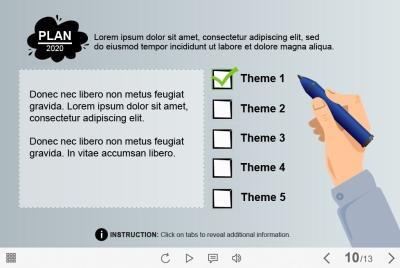
- Category: elearning templates
- Type: captivate template / interaction
- Software: Adobe Captivate 9 / 2017 / 2019
- Group: tabs and buttons
- Basic color: gray / black
- Total number of clickable buttons: 3
- Features: clickable visual objects designed for prudent use of slide space
Demo:
-
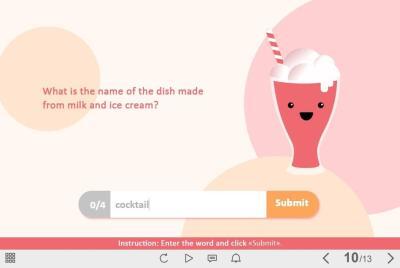
- Category: elearning templates
- Type: captivate template / interaction
- Software: Adobe Captivate 9 / 2017 / 2019
- Group: quizzes / fill-in blanks
- Total number of questions: 4
- Basic color: pink
- Features: creative design solution to check learner's knowledge
Demo:
-
- Category: elearning templates
- Type: captivate template / interaction
- Software: Adobe Captivate 9 / 2017 / 2019
- Group: tabs and buttons
- Basic color: white
- Total number of answer options: 5
- Features: clickable visual objects designed for prudent use of slide space
Demo:
-
- Category: elearning templates
- Type: captivate template / interaction
- Software: Adobe Captivate 9 / 2017 / 2019
- Group: tabs and buttons
- Basic color: blue
- Total number of answer options: 5
- Features: clickable visual objects designed for prudent use of slide space
Demo:
-
- Category: elearning templates
- Type: captivate template / interaction
- Software: Adobe Captivate 9 / 2017 / 2019
- Group: tabs and buttons
- Total number of clickable icons: 4
- Basic color: white
- Features: clickable visual objects designed for prudent use of slide space
Demo:
-
- Category: elearning templates
- Type: captivate template / interaction
- Software: Adobe Captivate 2019
- Group: slideshow / flip cards
- Total number of slides: 3
- Basic color: variegated
- Features: interactive form of presenting information
Demo:
-
SALE
- Category: elearning templates
- Type: captivate template / interaction
- Software: Adobe Captivate 2019
- Group: tabs and buttons
- Total number of clickable objects: 4
- Basic color: variegated;
- Features: clickable visual objects designed for prudent use of slide space
Demo:
-
- Category: elearning templates
- Type: captivate template / interaction
- Software: Adobe Captivate 9 / 2017 / 2019
- Group: quizzes / drag and drop
- Total number of draggable objects: 3
- Total number of questions: 3
- Basic color: variegated
- Features: creative design solution to check learner's knowledge
Demo:
-
- Category: elearning templates
- Type: captivate template / interaction
- Software: Adobe Captivate 2019
- Group: drag and drop / pop-ups
- Total number of draggable objects: 5
- Basic color: variegated
- Features: creative design solution to present the course information
Demo:
-
- Category: elearning templates
- Type: captivate template / interaction
- Software: Adobe Captivate 2019
- Group: tabs and buttons
- Total number of buttons: 4
- Basic color: dark grey
- Features: clickable visual objects designed for prudent use of slide space
Demo:
-
- Category: elearning templates
- Type: captivate template / interaction
- Software: Adobe Captivate 9 / 2017 / 2019
- Group: tabs and buttons
- Basic color: white
- Total number of tabs: 5
- Features: clickable visual objects designed for prudent use of slide space
Demo:
-
- Category: elearning templates
- Type: captivate template / interaction
- Software: Adobe Captivate 9 / 2017 / 2019
- Group: tabs and buttons
- Basic color: grey / black
- Total number of clickable buttons: 5
- Features: clickable visual objects designed for prudent use of slide space
Demo: